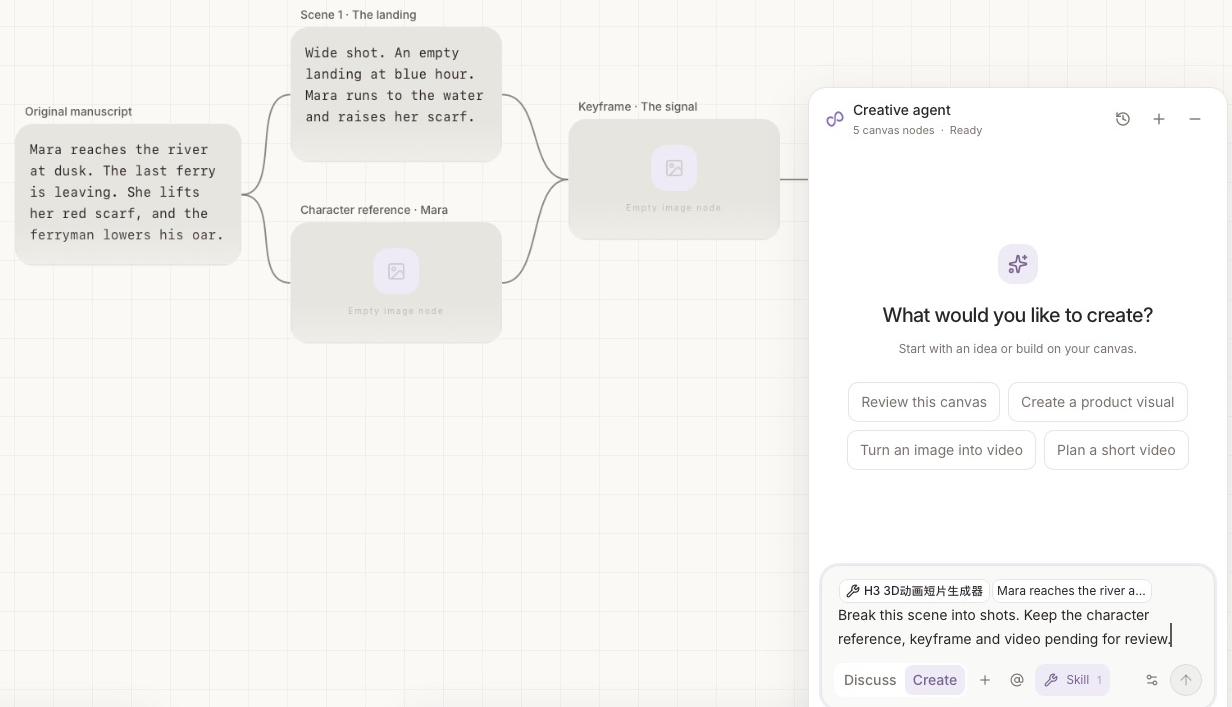
Break this scene into shots. Keep the character reference, keyframe and video pending for review.01Give the Agent a source it can refer back to
Put your story in a text node. Open Agent in the lower-right corner of the canvas, type @ and select that node. In Discuss, try asking where the action moves to a new place or a different character takes over. You can read the proposed scene breaks before anything on the board changes.
02Choose a Skill for the kind of film you’re making
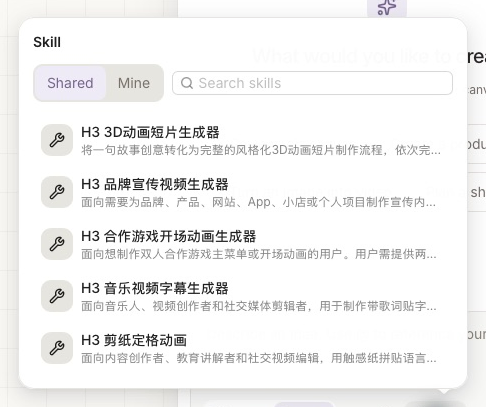
Open Skill in the message box. Under Shared, look for the catalogue name “H3 3D动画短片生成器”, a workflow for stylized 3D shorts. It asks about duration and aspect ratio, then works through the story outline, character cards, locations and shot list. Selecting it attaches those instructions to your draft. Switch to Create and send a request like the one below when you want the Agent to build the board.
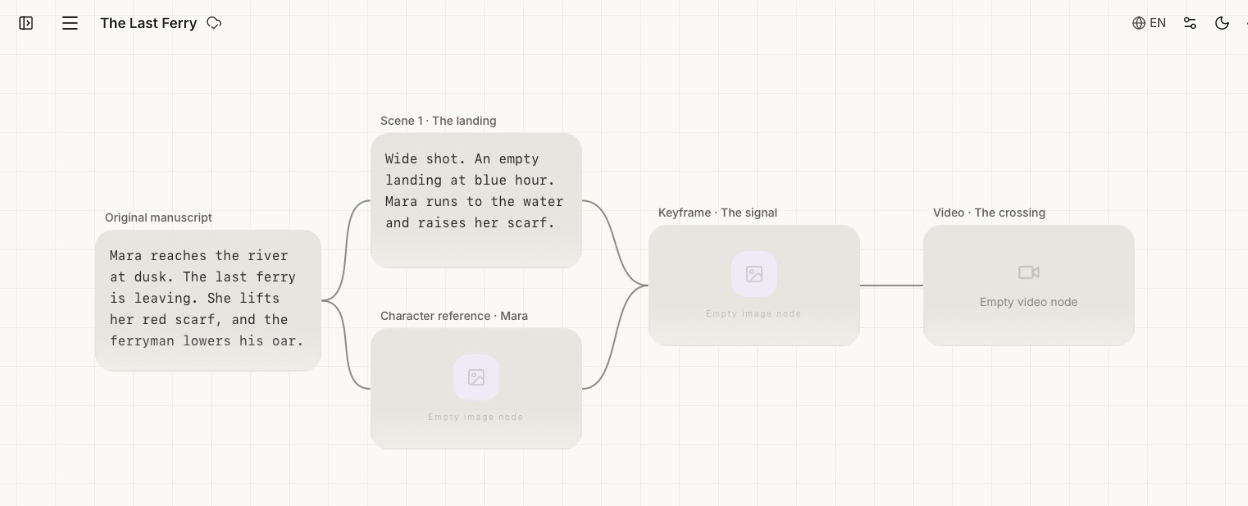
Use the script node I referenced. Lay out five chapter notes and one shared character reference. For each chapter, add a keyframe and a video node. Connect the source script to the chapter notes, the character reference and chapter to each keyframe, and each keyframe to its video. Leave the media nodes ready for review and wait for me to choose what to generate.
03What one storyboard request put on the canvas
In a separate test with a martial arts story, the board started with five nodes. One text request added 16 nodes across four roles. There were five chapter notes, one slot for a character reference, five for keyframes and five for video. We counted 20 connections among the new nodes and six back to the source. The workspace confirmed that all 21 nodes were saved to the cloud. The image and video slots were still empty, ready for review.
04Walk through one shot before generating it
Pick a keyframe and follow its incoming connections. Which chapter does it illustrate? Which character reference should it use? Read the linked video node to see how the movement begins. If you want the ferry scene to open on a close-up of Mara’s hand lifting the red scarf, put that detail in the shot description. Then choose the image or video node you want to run and check its displayed credit cost.
Workflow questions
Can I reuse my own shot-planning method?
Yes. Write down the checks you use on every shoot, such as framing, camera movement and what must stay in view. Import those instructions as a personal Skill, then choose it from Mine when you start another board. Each project can still have its own script and references.
What did the recorded test cost?
The single Agent text request used two credits in that test. It submitted zero media jobs. For your own board, check the current rate for the text model you choose and the separate cost shown for any images or videos you decide to generate.