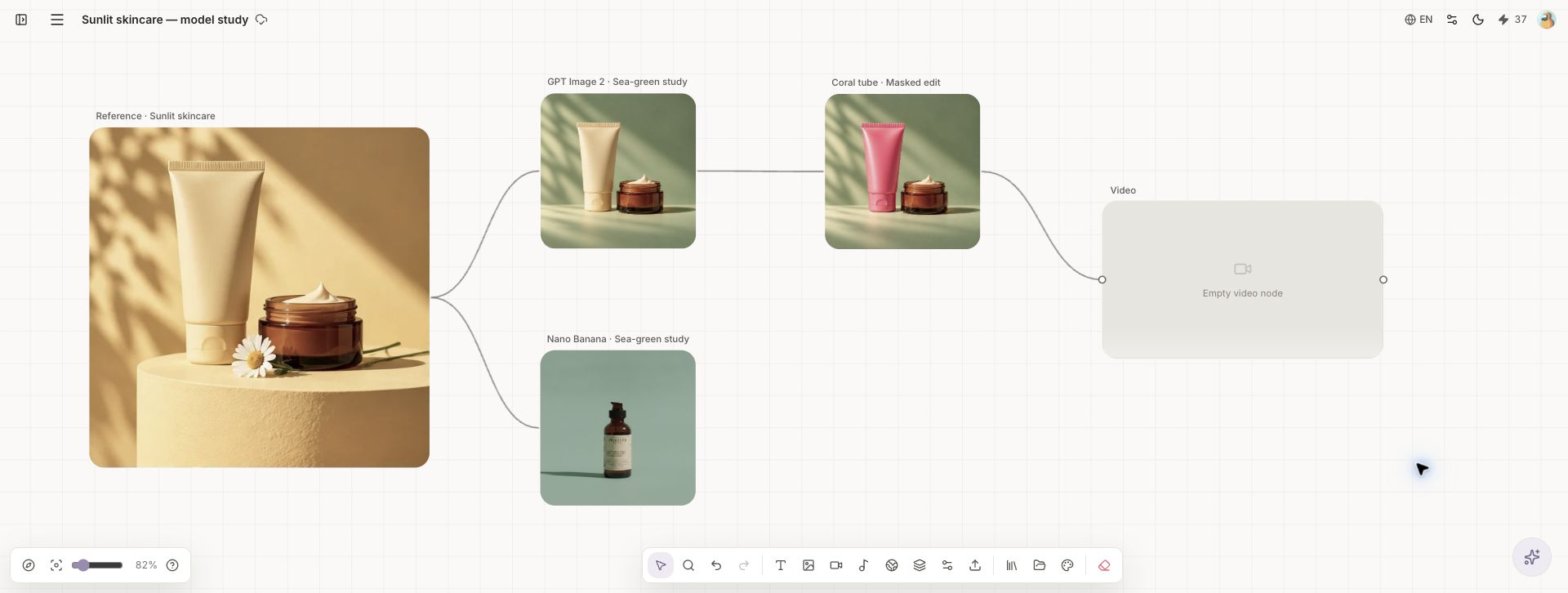
01Start with a reference you can check against
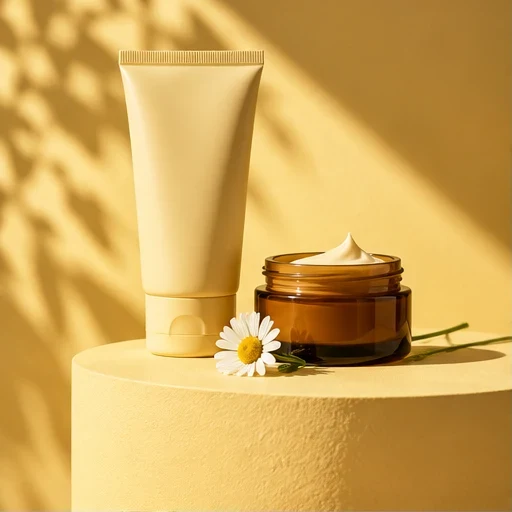
Our concept reference shows a cream-colored tube, an open amber jar and a daisy against a yellow background. Both outputs had already been saved when we recorded the original canvas. Both node panels showed the same reference and English prompt, with one image at 1K in a 1:1 frame. The prompt asked for a glass serum bottle. The panels document the board settings. The full requests and random seeds used by the providers remain unknown.
Create a premium skincare campaign still from the reference photograph. Keep the same glass serum bottle and label readable. Use a matte sea-green studio backdrop, warm side light, and a soft shadow. Frame the entire bottle with room around it. No added text or props.02Compare the two outputs at the same scale
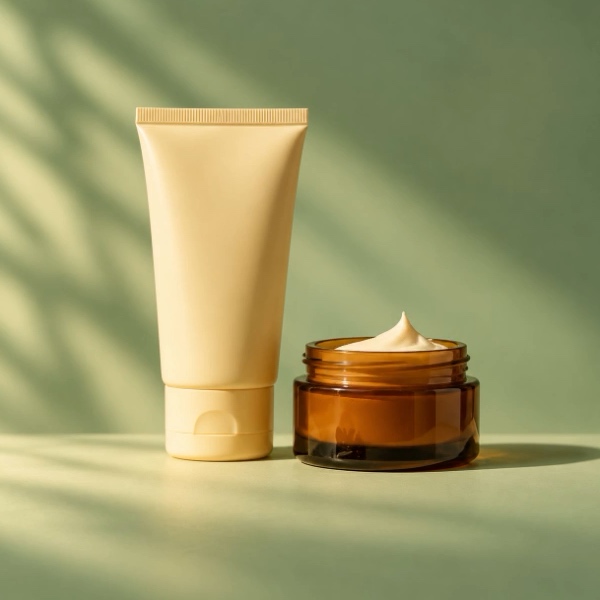
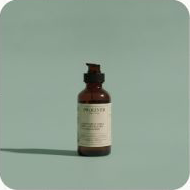
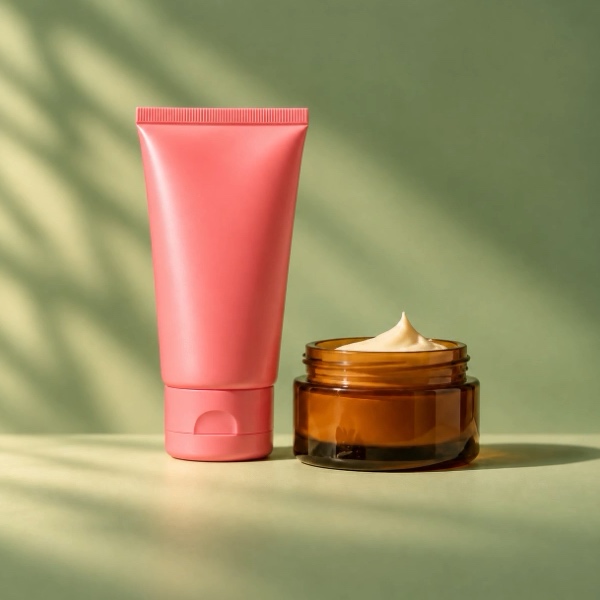
GPT Image 2 used 1 credit. Its image kept the tube and jar, changed the background to green and omitted the daisy. Nano Banana used 3 credits. Its image showed a single dark pump bottle with a light-colored label against a green background. We picked the GPT Image 2 result for the color edit because it still contained the tube we wanted to mask.
03Mask the tube and check the edge of the edit
On the GPT Image 2 image, we brushed over the tube and cap and requested coral pink. We left the amber jar and background outside the mask. That edit used 1 credit, bringing the three image operations to 5 credits. In the before-and-after view, trace the edge of the new color and check the shadow under the tube against the unedited frame.
04Use the edited still as the opening frame
We connected the coral-pink still to a video node. In a separate recorded task, Veo returned a 720p clip lasting 7.93 seconds and used 23 credits. The 44-second workspace video is a later edit of the demonstration, with a revised prompt on screen and playback of the finished shot. When reviewing your own clip, pause near the beginning and end to compare the shape of the cap and the lighting on the jar.
Workspace recording
From product photo to video
Follow the same tube and amber jar from the reference photo to the final shot. Watch the brush mask change the tube to coral pink, then see the edited image come to life in the video.
Workflow questions
How many credits should I budget to repeat this?
Use the rate shown for each model and its settings in your workspace before you run it. The figures here are the charges recorded for these specific tasks. An extra variation or a second edit adds another generation to your budget.
Would the same model be the right choice for my packaging?
We have one output per model, and the text and image described different packaging. To test how faithfully your own product is reproduced, match the brief to the reference. In this scene we would specify both the cream tube and the open amber jar, then compare the outlines, shadows and lighting at the same scale. We have yet to run that revised prompt.
References & further reading
Try the skincare workflow with your own reference →
← More creative guides