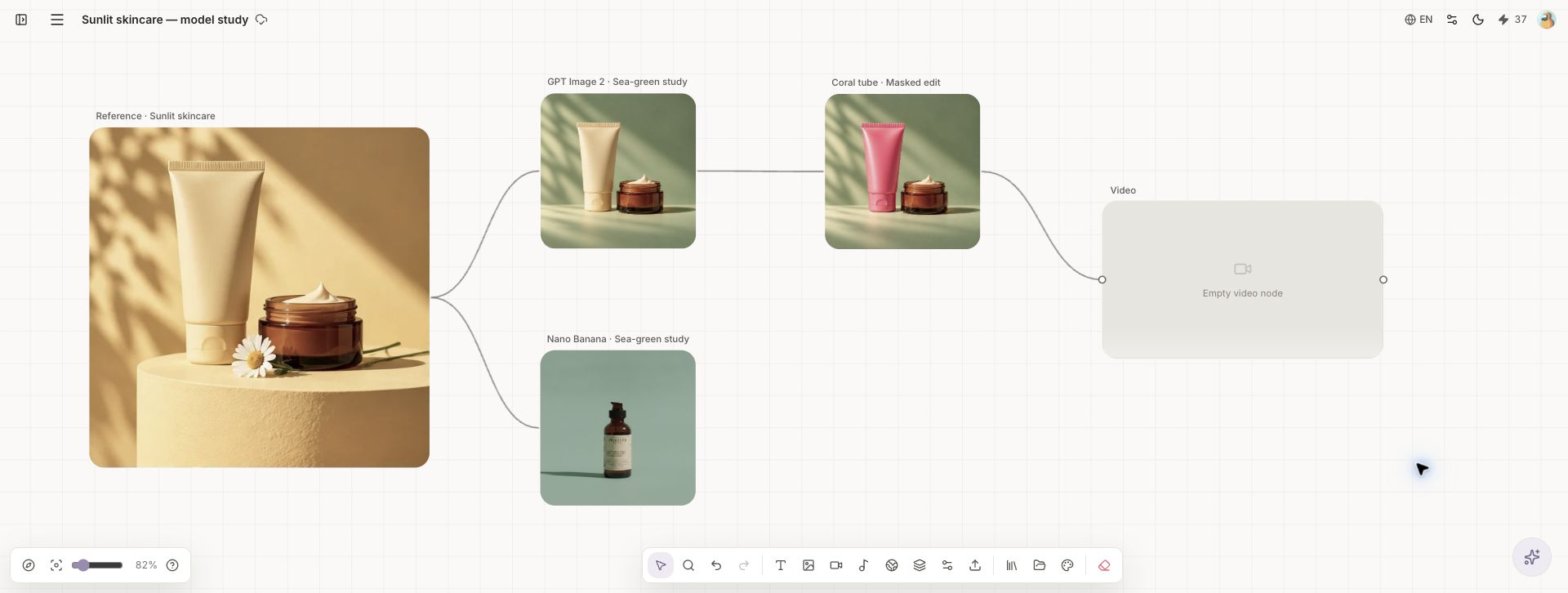
01One reference and three compositions
We used the same skincare concept image in BlendCanvas Image Studio, with Nano Banana, 1K resolution and a 1:1 aspect ratio. Each prompt named both packages and changed the requested composition. We generated one 1024 × 1024 image per prompt. The billing history recorded 3 credits each, 9 credits total.
02White-background hero shot
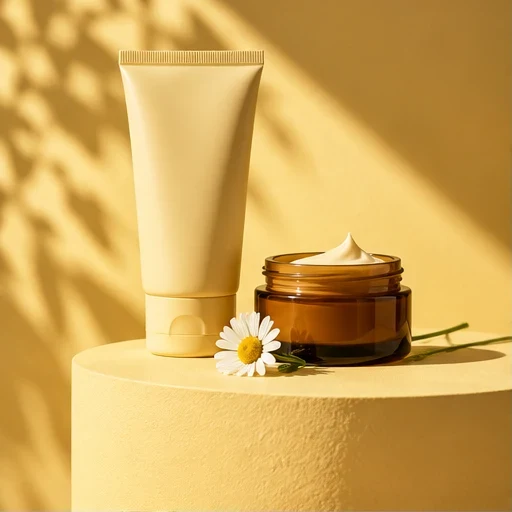
The tube and jar fit fully inside the frame. The upright tube keeps its flip cap and the jar stays open with cream visible. The white backdrop replaces the yellow set and drops the daisy. Use this framing when the buyer needs to see exactly which packages are included.
Original prompt
Use the attached product photograph as the reference. Preserve the cream squeeze tube, its cap, the open amber jar, the packaging colors, proportions and any existing markings. Do not add lettering or other containers. Photograph both packages in full on a seamless white background.03Macro shot of the tube cap
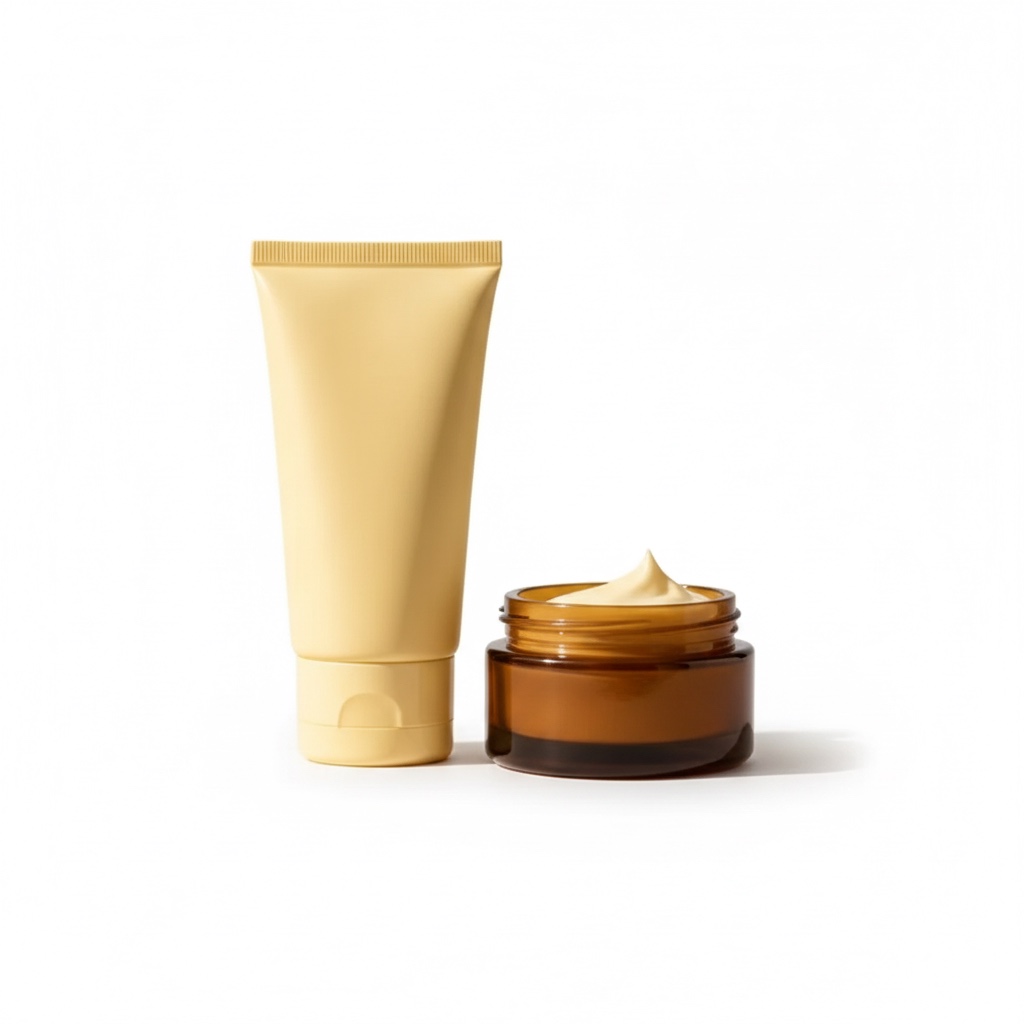
The lower tube and cap seam are easy to inspect. The top of the tube and the right edge of the jar sit outside the frame. This crop works as a product detail. Pair it with the hero shot when both packages need to be shown in full.
Original prompt
Use the attached product photograph as the reference. Preserve the cream squeeze tube, its cap, the open amber jar, the packaging colors, proportions and any existing markings. Do not add lettering or other containers. Make a macro close-up of the junction of the tube and its cap, with the amber jar in the background.04Bathroom-shelf lifestyle shot
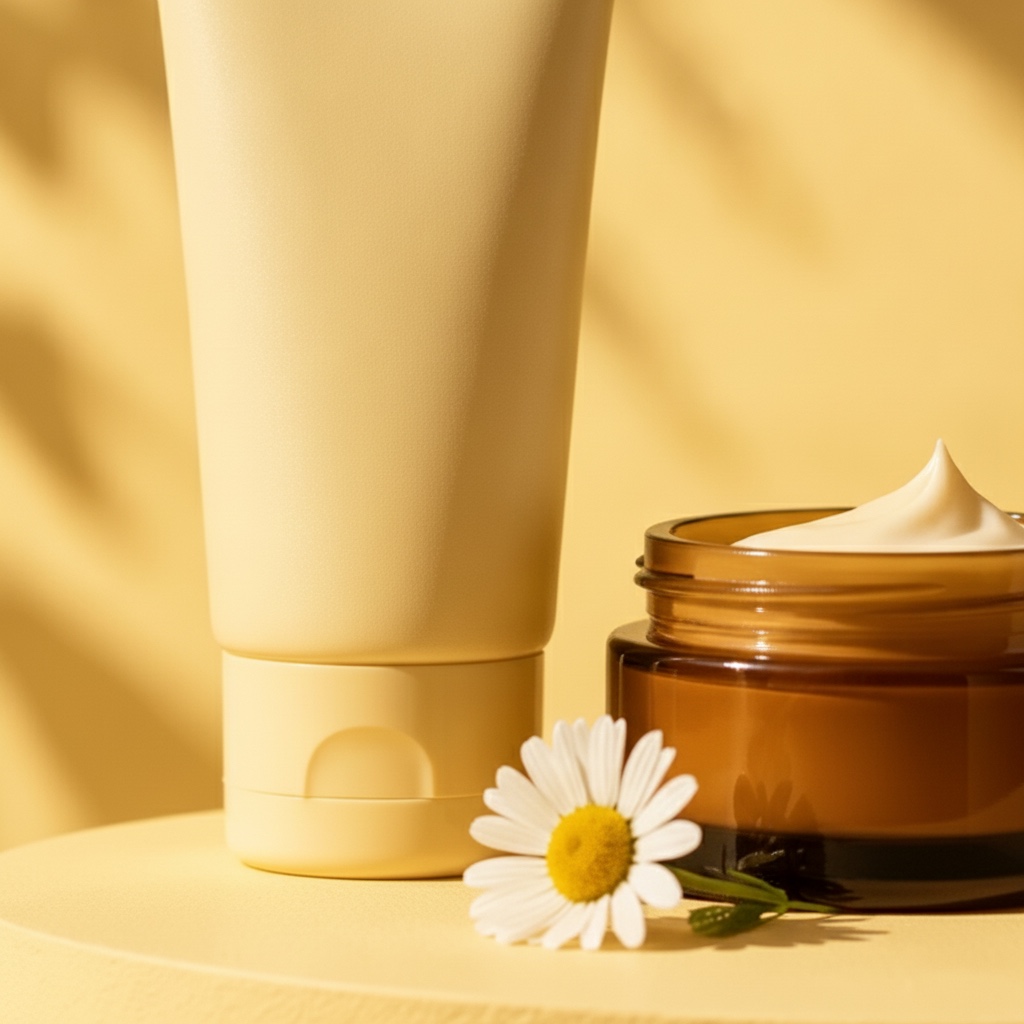
Both packages are visible in full on the shelf. The model moved the pair into a neutral setting with diagonal shadows and kept the daisy. Compare the tube’s highlights with the white-background shot if exact color matching matters.
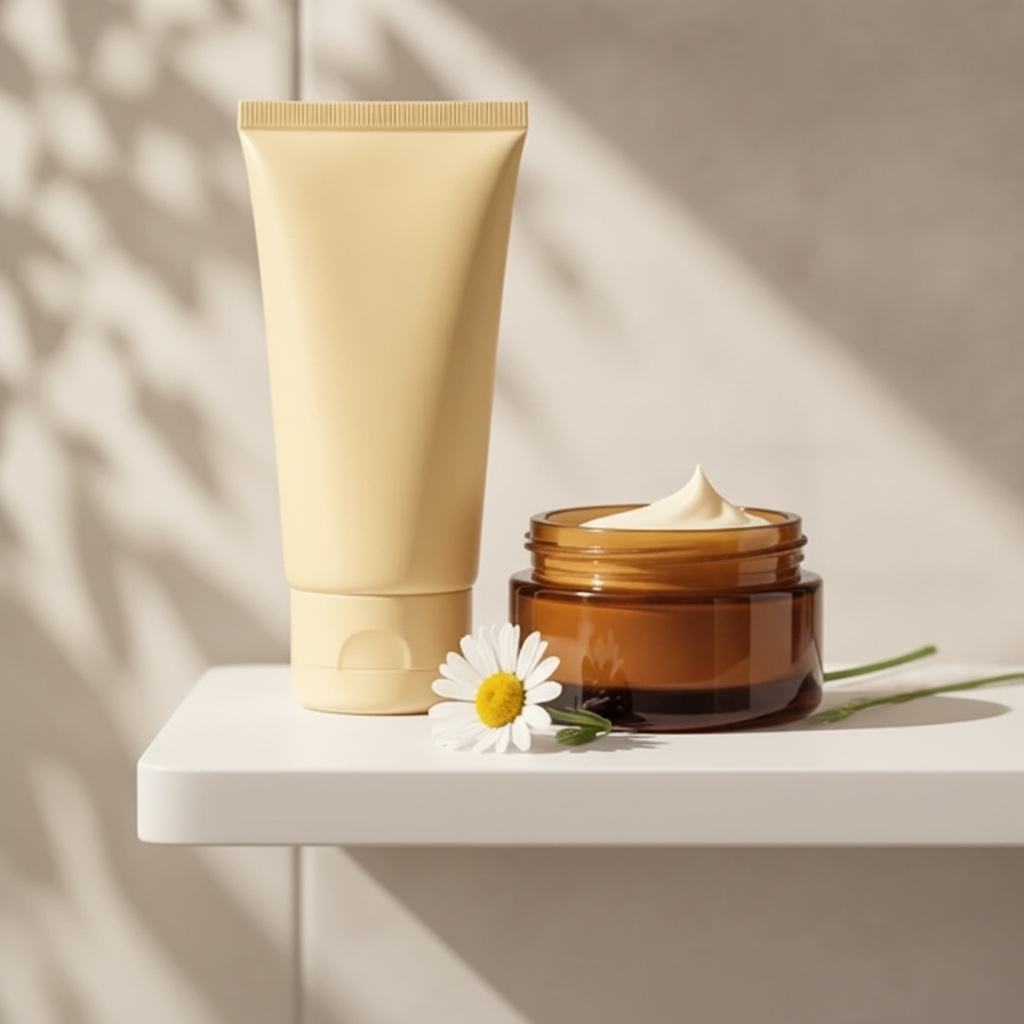
Original prompt
Use the attached product photograph as the reference. Preserve the cream squeeze tube, its cap, the open amber jar, the packaging colors, proportions and any existing markings. Do not add lettering or other containers. Photograph both packages in full on a bathroom shelf in soft daylight.05An earlier prompt asked for the wrong bottle
In the recorded board, the reference showed two containers and the English prompt asked for a glass serum bottle. One square 1K Nano Banana generation cost 3 credits and showed a single dark pump bottle. That changes both the package and the item count. The saved node preview is 190 pixels wide, too small to judge fine print. This run illustrates what to check when the brief conflicts with the photo.
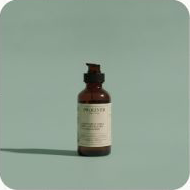
06Check shape first, then compare the label at full size
None of the three new images added visible lettering. To verify a printed label, use a sharp reference with readable text and compare the full-size output character by character. Also check the number of items, cap shape and proportions against the crop you requested. Save every attempt and its billed cost so you can judge how many were usable.
Workflow questions
Can one successful hero shot validate the whole set?
Review each crop separately. A front view can hide a changed cap seam, and a close-up cannot show whether the full kit is present. Keep a separate decision for every shot.
References & further reading
AI product photography template for e-commerce →
← More creative guides